
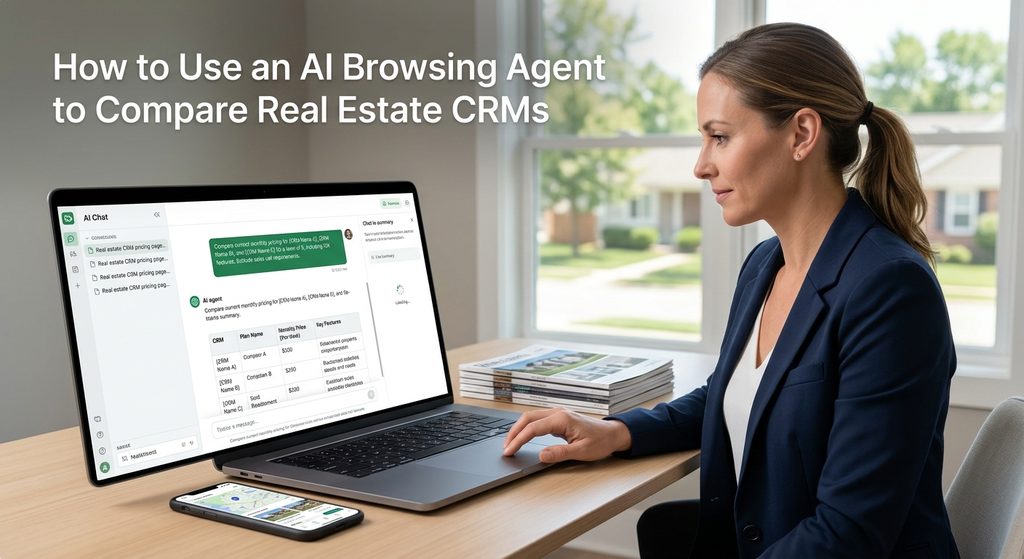
Comparing real estate CRM pricing pages by hand usually burns an entire afternoon, and the numbers still won’t line up cleanly when you’re done. There’s a faster, more reliable way: open an AI tool’s browsing agent, hand it your team size, must-have features, and budget, and let it check vendor pricing pages live instead of repeating whatever a blog post said months ago. Here’s exactly how to run it.
Why Comparing CRM Pricing Pages Yourself Eats a Weekend
Real estate CRMs price themselves in genuinely different units, and vendors aren’t shy about picking whichever unit makes the number look smaller. Some charge a flat rate no matter how many people use it. Some charge per seat and the number on the homepage assumes exactly one. Some bundle an IDX website and advertising management into the CRM price, so a single number is really covering three products at once. Even the research guides don’t agree with each other: one 2026 comparison guide lists one CRM at roughly $58 a user a month, while another lists the same product’s plans starting closer to $69 and scaling up toward $1,000 for its top tier, depending on which plan and billing period each guide checked. That’s not a knock on either guide, it’s just how fast this kind of pricing moves. If you’re comparing six vendors by reading six blog posts, you’re comparing six different snapshots in time, not six current prices.
How to Use an AI Browsing Agent to Compare Real Estate CRMs
Several AI tools now come with an agent mode that can actually open a vendor’s pricing page in a live browser and read the real numbers off it in the moment. ChatGPT’s agent/browsing mode is one real example, including a feature called Astra available in its Work tier, and similar browsing-agent capability exists in other AI tools as well. Run the comparison in five steps:
- Open the AI tool’s agent or browsing mode. Leave website approvals turned on so it can actually visit vendor pages instead of guessing from memory.
- Give it everything it needs in one message. Your team size, the specific features you actually need, and your monthly budget ceiling. Tell it to check current monthly billing only, and to skip any CRM that requires a sales call just to see a price.
- Start with one CRM at a time. Have it fully check a single vendor’s page first, confirming whether the number shown is monthly or annual and whether it’s per user or flat, before letting it move on to compare the next one. A misread on the first page throws off everything after it.
- Ask for a short recommendation built only from what it verified. Anything it couldn’t confirm on a vendor’s own page should show up as a listed gap, not a filled-in guess, and you should be able to see which number came from where.
- Set the stopping point in your very first message. Tell it the task ends with a comparison table and a recommendation, nothing else. Leave out signups, demo bookings, and purchases, that part stays yours.
What to Tell It: Team Size, Must-Have Features, and Your Own Tech Comfort
Step two above is where the comparison actually gets built, so it’s worth being specific. Budget first: solo agents who just want contacts organized and a few automated follow-ups can land well under $50 a month with a flat-rate tool, while bundled website-plus-CRM platforms built around paid lead generation commonly run $300 to $500 a month before setup fees, and the higher tiers built around advertising management and AI-driven follow-up can run $1,000 a month or more. Features second: decide what you actually need versus what sounds nice, built-in texting and calling, lead routing rules for a team, transaction management, an AI assistant that drafts follow-up messages, and tell the agent to treat those as requirements, not nice-to-haves, so it filters out anything missing a must-have rather than just noting the gap. And be honest about your own tech comfort third: some of the most powerful, customizable CRMs on the market take real setup time and ongoing tinkering to get value from, while flat-rate, purpose-built real estate tools tend to work close to out of the box. A CRM you never fully configure isn’t actually cheaper than a simpler one you’ll use every day.
One more thing worth checking before you add a new monthly bill: what your current brokerage already offers as an add-on. Rise Realty agents can add Lofty AI for an additional fee, which includes a Sales Agent that handles lead response and booking around the clock and a Social Agent that helps plan social content. If a CRM you’re evaluating is mainly selling you AI-driven lead follow-up, it’s worth checking whether your brokerage already offers something similar before paying for it twice.
Checking the AI’s Work Before You Buy Anything
An AI browsing agent reading a live pricing page is a big improvement over a stale blog post, but it can still misread a monthly-versus-annual toggle, miss a setup fee buried in a footnote, or land on a cached version of a page. Before you pay for anything, open the final two or three candidates’ pricing pages yourself and confirm the exact monthly number for your actual team size, ask the vendor directly about setup fees and contract length, and get the final price in writing before you sign. Treat the comparison as a shortlist and a starting number, not a finished purchase decision.
Frequently Asked Questions
Do I need a paid AI tool to do this? Not necessarily. Browsing-agent capability is being built into several AI tools at different price points, and some offer it on free or lower-cost tiers. Check what’s currently included in whatever AI tool you already use before assuming you need a new subscription just for this.
Can I use this method for other business software too, not just CRMs? Yes. The same five steps, give it your requirements and budget up front, check one vendor’s page fully before moving to the next, and set a clear stopping point, work for comparing any software with public pricing pages, not just real estate CRMs.
What’s the single biggest mistake agents make comparing CRMs? Comparing “starting at” prices without checking what they assume. A number that looks like the cheapest option can assume one user, no texting, and a year-long commitment, while a higher number elsewhere might already include everything you need for your whole team.
Should solo agents and teams be looking at different CRMs? Usually, yes. Flat-rate tools built for one person often don’t have the lead-routing and team-visibility features a team actually needs, and per-seat team platforms can be overkill and overpriced for a solo agent with a small contact list.
Does a CRM replace what my brokerage already provides? It depends on the brokerage. Some already offer AI-driven lead follow-up as part of your plan or as an add-on, so check what’s already available before paying for a CRM that duplicates it.
Bottom Line
CRM pricing pages are built to be read in isolation, not compared side by side, which is exactly the problem an AI browsing agent is good at solving: it can check each one on its own terms, in the moment, against the budget and must-have list you actually give it. Just plan to verify the final numbers yourself before you buy. And before you add a new monthly bill on top of your brokerage fees, it’s worth a quick look at what’s already available where you are. See what’s included in Rise Realty’s plans or call (866) 344-7473 ext. 4 to talk through what you actually need.
Sources
- leadmailbox.com, 2026 real estate CRM pricing guide, on per-product pricing and billing structure
- luxurypresence.com, 2026 best real estate CRM software guide, on per-product pricing, team fit, and features
- openai.com, product page on Astra’s web-browsing/agent capability in ChatGPT Work, on how agent browsing and approval controls work
- rise100percent.com, live homepage copy on the Lofty AI add-on, browsed same day as writing