
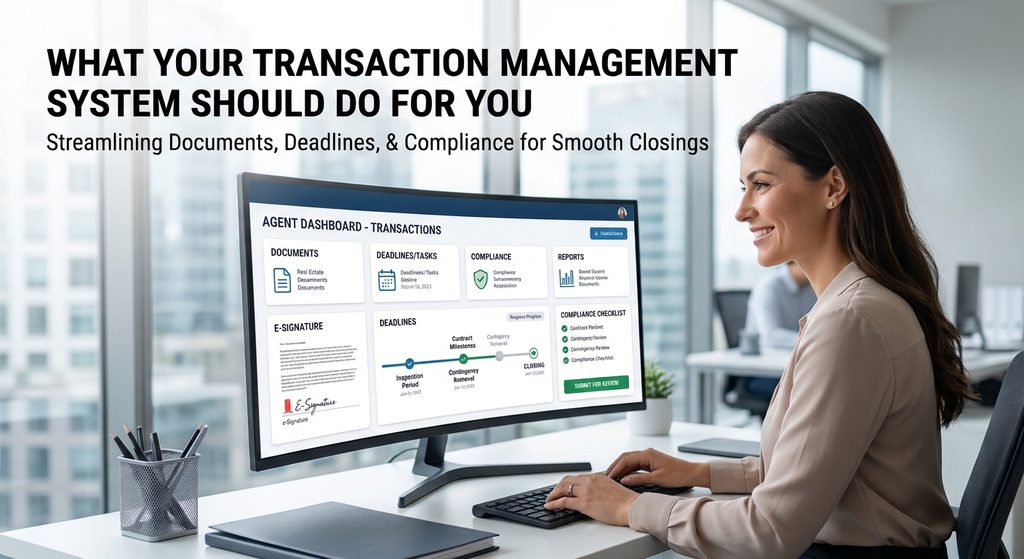
Most agents don’t think hard about their brokerage’s tech stack until something goes wrong mid-escrow: a missed deadline, a lost document, a contract sitting in someone’s inbox for three days during a contingency period. The transaction management system underneath a cloud-based brokerage is doing a lot of invisible work, and it’s worth understanding what that system should actually be doing for you, whether you’re shopping for a new brokerage or just trying to figure out if your current one is pulling its weight.
What Does a Transaction Management System Actually Need to Do?
At a baseline level, a real transaction management platform should centralize four things in one place: documents, deadlines, compliance review, and reporting. That means document storage with version control so you’re never unsure which draft is current, compliance checklists that flag what’s missing before it becomes a problem at closing, approval workflows that route a file to a broker or compliance reviewer automatically, and a complete audit trail in case anything ever needs to be reconstructed later. E-signature should live inside that same workspace rather than requiring you to bounce between three different logins to get one document signed.
How Does Broker Oversight Actually Work Behind the Scenes?
The feature that matters most and gets talked about least is deadline automation tied to your actual contract dates. A system worth using should read your contingency periods and automatically build the task list and reminders around them, rather than leaving you to track an inspection deadline in a separate calendar app. On the broker side, real oversight means an approval queue with required-field checks before a file can move forward, giving the broker real-time visibility into every open deal without you having to walk a folder to someone’s desk. That’s the mechanism a cloud-based brokerage substitutes for the in-person compliance check a traditional office handles informally.
What Does This Look Like at a Cloud-Based Brokerage Like Rise Realty?
Rise Realty runs its files through Paperless Pipeline, built around one page per deal for every document, task, and note, with checklists specific to each transaction type so you always know what’s left before closing and automatic reminders tied to your actual contract deadlines. Transaction support staff are assigned to every deal to answer questions and help keep the file compliant, and you get paid either from escrow at closing or by direct deposit through the brokerage. If you’d rather not manage the file yourself, you can bring your own transaction coordinator or hire one through Rise Realty for a small fee; either way, it’s your call how hands-on you want to be.
What About AI Tools for Lead Follow-Up?
The newer piece of the tech stack question is lead follow-up automation, and it’s worth understanding even if you’re happy with your current pipeline. Rise Realty offers the Lofty AI operating system as an option for a small fee, which includes a Sales Agent that responds to new leads, qualifies them, and books appointments around the clock, plus a Social Agent that plans social posts and writes captions so your channels stay active without you having to sit down and do it yourself. Optional ad packages can route new leads directly into that funnel if you want to add volume on top of your own database. None of this replaces a sustainable, agent-owned pipeline, but it’s a meaningful upgrade over manual follow-up for agents who are currently tracking leads in a spreadsheet or, worse, not following up at all.
Frequently Asked Questions
What’s the difference between transaction management software and a CRM? Transaction management handles a deal after it’s under contract: documents, deadlines, compliance, and closing. A CRM manages your relationships and follow-up before and after a deal, including lead response and nurture campaigns.
Does a good transaction management system replace a transaction coordinator? Not necessarily. The software handles the structure, deadlines, and documents, but many agents still want a human coordinating communication between all parties. Some brokerages, including Rise Realty, let you choose whether to self-manage, bring your own coordinator, or hire one through the brokerage.
How do I know if my current brokerage’s tech is actually good? Ask specifically whether deadlines are generated automatically from your contract dates, whether compliance review happens inside the same system you’re already using, and how quickly a broker typically responds to a submitted file. Vague answers to any of those are a signal worth paying attention to.
What should I ask about AI lead-follow-up tools before relying on them? Ask what happens to a lead after the AI’s automated outreach, whether the system books directly onto your calendar, and whether the database and contacts stay with you if you ever change brokerages.
Is training on this kind of technology usually included, or does it cost extra? It varies by brokerage. At Rise Realty, live Monday training on Zoom, Jeff Lobb’s Coach 52 on-demand coaching and marketing center, and a 24/7 online office with scripts and recorded trainings are included on every sales plan at no extra charge.
Bottom Line
A transaction management system isn’t a background detail, it’s the thing standing between you and a smooth closing, especially at a cloud-based brokerage where there’s no hallway conversation to catch a missed deadline. Whether you’re evaluating your current setup or looking at a change, ask specifically how compliance review, deadlines, and lead follow-up actually work day to day, not just whether the brokerage has software. Curious what this looks like in practice at Rise Realty? See our current plans or call (866) 344-7473 ext. 4 to talk through how the system actually runs.
Sources
- guideflow.com, 2026 buyer’s guide to real estate transaction management software
- rise100percent.com, live homepage copy on Paperless Pipeline, training, and the Lofty AI operating system, browsed same day as writing